What an AI Coding Agent Does on Your Own Computer
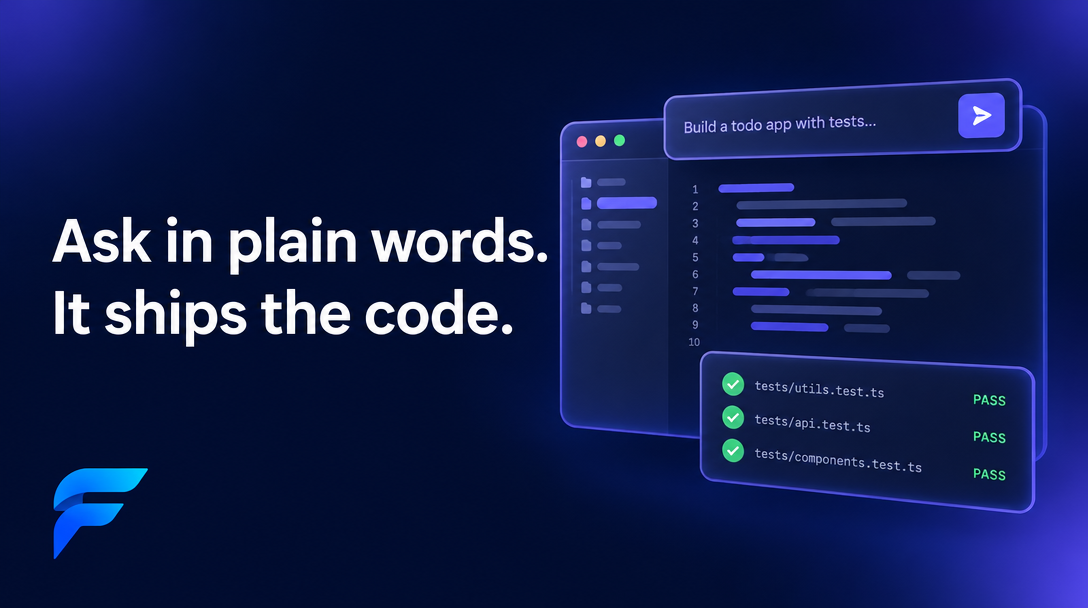
An AI coding agent does more than suggest lines of code. It can write a change, run your tests, start the app and check the result before it tells you the job is done.
Chat tools vs coding agents
A chat tool answers questions and suggests code. You then copy that code, run it and fix what breaks. A coding agent works through the task in steps:
- It reads the files in your project
- It makes the change you asked for
- It runs your tests
- It starts the app and checks it works
- It reports back on what passed and what did not
Why run it on your own machine
When the agent runs on your computer, it can use your local project, your installed tools and your test setup. Your files stay on your machine, which many developers prefer for private or unreleased work.
What to check before you trust the result
An agent saves time, but you still own the code. Review:
- The changes to each file
- Any new dependencies it added
- The tests it ran, and whether they cover the change
- Anything that touches security, payments or user data
Step 1: Describe the task in plain words
For example: "Make a snake game with a saved best score. Test it before you say it works." Clear goals and clear done conditions give the agent a useful target.
Step 2: Let it run the checks
Ask the agent to run your tests and start the app. Look at the results rather than accepting a summary alone.
Step 3: Keep the changes you agree with
Review the diff, keep what is right and ask for changes to the rest.
Frequently asked questions
Do I need to know how to code? It helps. You still need to review the changes, but you do not need to write every line yourself.
Does the agent push code to GitHub? FORCAIS Code mode works with GitHub projects. Check the current product page for the latest details.
Try Code mode
Describe a coding task in plain words and see the agent build and test it. Start with a small project.