How to Make an Invoice With VAT Online
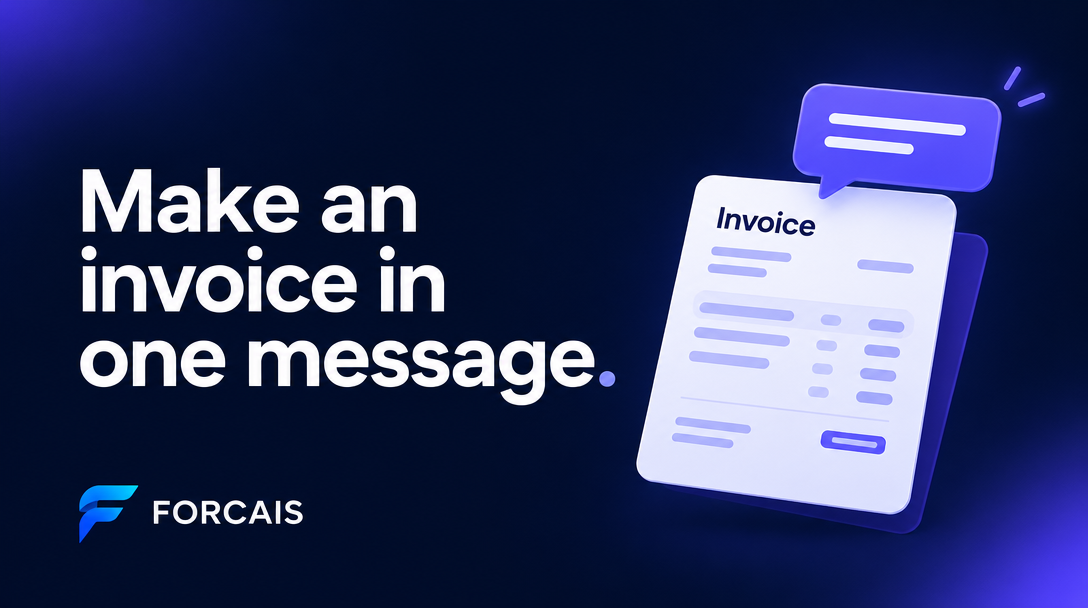
A clear invoice gets you paid faster. It shows who you are, who you are billing, what you supplied and what is due. If you charge VAT, it also needs the VAT amount shown separately.
What an invoice must include
Check your invoice has these details:
- Your business name and address
- The customer's name and address
- A unique invoice number
- The invoice date and the payment due date
- A description of each item or service
- The quantity and price of each item
- The subtotal, VAT and total due
- Your payment details, such as bank transfer instructions
How VAT works on an invoice
If you are VAT registered, add VAT to your prices at the correct rate. Show the subtotal before VAT, the VAT amount and the total including VAT as separate lines. Check the current VAT rules on GOV.UK for your situation.
Step 1: Describe the sale in one message
Tell the assistant what you sold, to whom, the prices and the VAT rate. For example: "I sold three celebration cakes to Harper and Lane Events at £185 each, plus cupcakes at £24 for a box of 12. Add 20% VAT and set payment due in 14 days."
FORCAIS works out the totals for you, so you do not have to do the sums by hand.
Step 2: Check the figures
Before you send the invoice, check:
- Each line total is quantity multiplied by price
- The VAT is calculated on the right amount
- The total matches what you agreed with the customer
Step 3: Download and send
Download the invoice as a PDF, Word or Excel file and send it to your customer. Keep a copy for your records.
Frequently asked questions
Do I need special accounting software to make an invoice? No. A clear, complete invoice is enough for most small businesses. Ask your accountant if you are unsure what your records need.
Can I change an invoice after I create it? Yes. Ask for the change in plain words and check the totals again before you send it.
Make your next invoice
Describe the sale in one message and download a finished invoice. Plain words are enough.