How to Write a CV That Passes an ATS Check
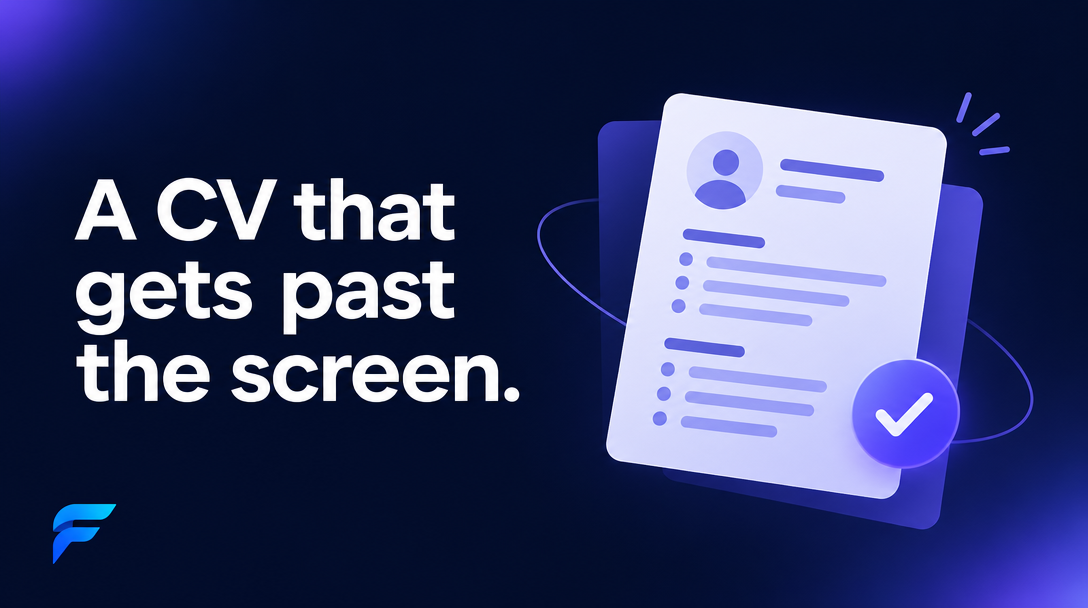
Many employers use applicant tracking systems (ATS) to sort CVs before a person reads them. A clear, simple CV with the right keywords is more likely to reach the hiring manager.
What an ATS looks for
ATS software scans your CV for:
- Job title and skills that match the job advert
- Clear section headings such as "Experience", "Education" and "Skills"
- Dates in a consistent format
- Standard file types, usually PDF or Word
It can struggle with tables, text boxes, images, headers and unusual fonts.
Step 1: Start from the job advert
Read the advert and note the skills and job titles it repeats. Use the same wording in your CV where it is true for you. Do not add skills you do not have.
Step 2: Use a simple layout
- One column, with clear headings
- Plain fonts at a readable size
- Bullet points for your achievements and duties
- Your contact details in the body of the document, not in a header
Step 3: Show what you did
For each role, write two to four bullet points that start with a verb, such as "Managed", "Organised" or "Built". Say what you did and, where you can, the result. Only include figures you can back up.
Step 4: Run an ATS check
FORCAIS includes an ATS check with one-tap fixes. Use it on your CV, apply the suggested fixes you agree with, then review the final version yourself.
Step 5: Download in the format you need
Download your CV as a PDF or Word file. Use PDF when the employer asks for it, and Word when they ask for an editable copy.
Frequently asked questions
Does every employer use an ATS? No, but many large employers and recruitment platforms do. A simple layout works for both people and software.
How long should a CV be? Most people apply with one to two pages. Keep it focused on the job you want.
Build your CV
Tell the assistant about your experience and download a finished CV. Plain words are enough.