How to Build a Website Without Code in 2026
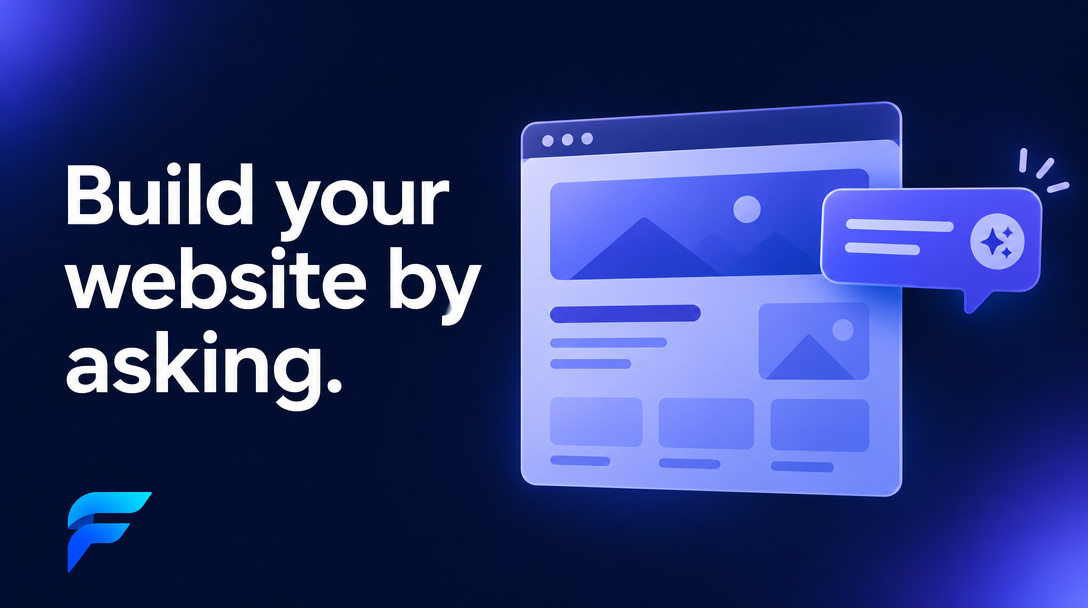
You do not need design skills or coding knowledge to launch a professional website. You need a clear description of your business and a tool that does the building for you.
What a small business website needs
Most small businesses need the same few things:
- A home page that says what you do and where you are
- A services or products page
- A contact method that gets enquiries to you
- A page that works well on phones
Start with those. Extra pages can come later.
Step 1: Describe your business in one sentence
Write what you sell, who you sell to and where you are. For example: "A plumbing company in Leeds that fixes boilers and unblocks drains, open seven days."
With FORCAIS, that sentence is the starting point. The AI designs the site, writes the first draft of your content and hosts it for you.
Step 2: Check the content
Read through the draft and ask for changes in plain words, such as "add a section about emergency call-outs" or "make the tone more relaxed." Each change updates the site.
Check these before you publish:
- Your phone number, email and opening hours are correct
- Prices, if shown, match what you charge
- Your business name and address match your official records
Step 3: Collect enquiries in one place
A website is only useful if enquiries reach you. Use a single inbox for contact form messages so you do not have to check several places.
Step 4: Keep it up to date
Change your opening hours, add a new service or update a photo whenever you need to. Ask for the change in the same way you would describe it to a colleague.
Frequently asked questions
Do I need to know HTML? No. You describe what you want and the site is built and updated for you.
Start your website
Describe your business in one sentence and see your first draft. Plain words are enough.